Configuring Access Review Campaigns
Choose the entitlements in scope and launch attestations
To start an access review, visit the Reviews page from the left navigation.
Click the "+ New Campaign" button to define the parameters of the access review.

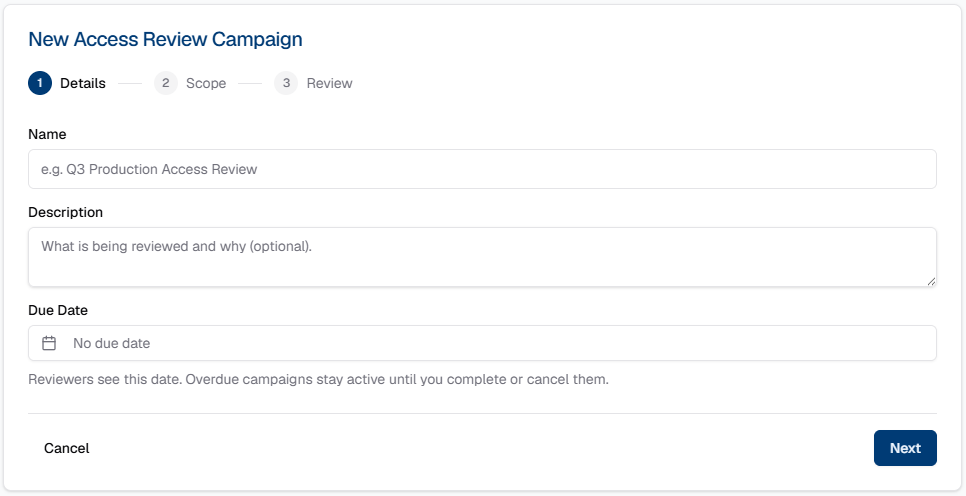
Name your campaign and give it a due date if you want reviewers to see the deadline.
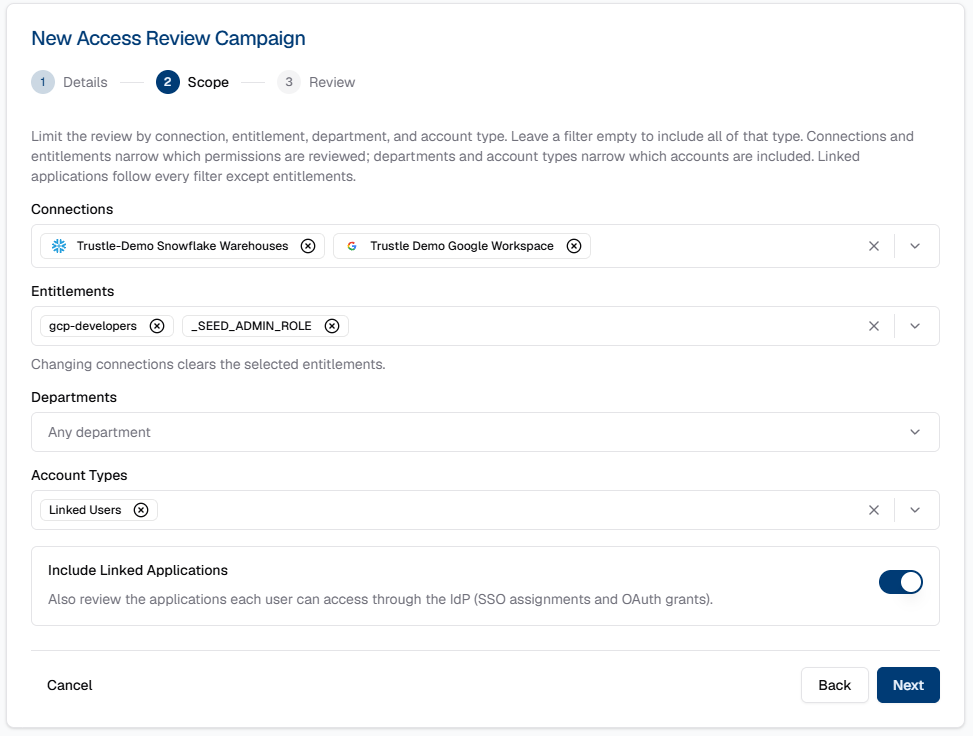
Choose all Entitlements in scope for the access review. Trustle will automatically identify all users in your organization that are assigned these entitlements, and email their managers to get their attestation on the record. If enterprise application access is also in scope for review, toggle the "Include Linked Applications" setting before clicking "Next".
Review the access review campaign's setting and click "Create Draft".
When you are ready for Trustle to notify managers that they need to attest that their staff needs their access, click "Launch" from the campaigns page.