Configuring Pinned Entitlements
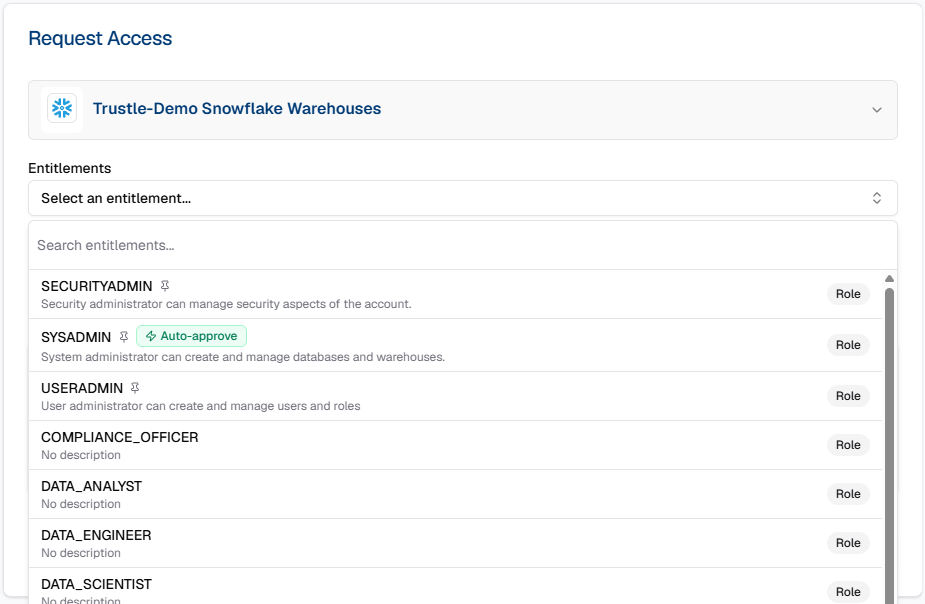
Prioritize the entitlements users see first on for the Access Request dropdown
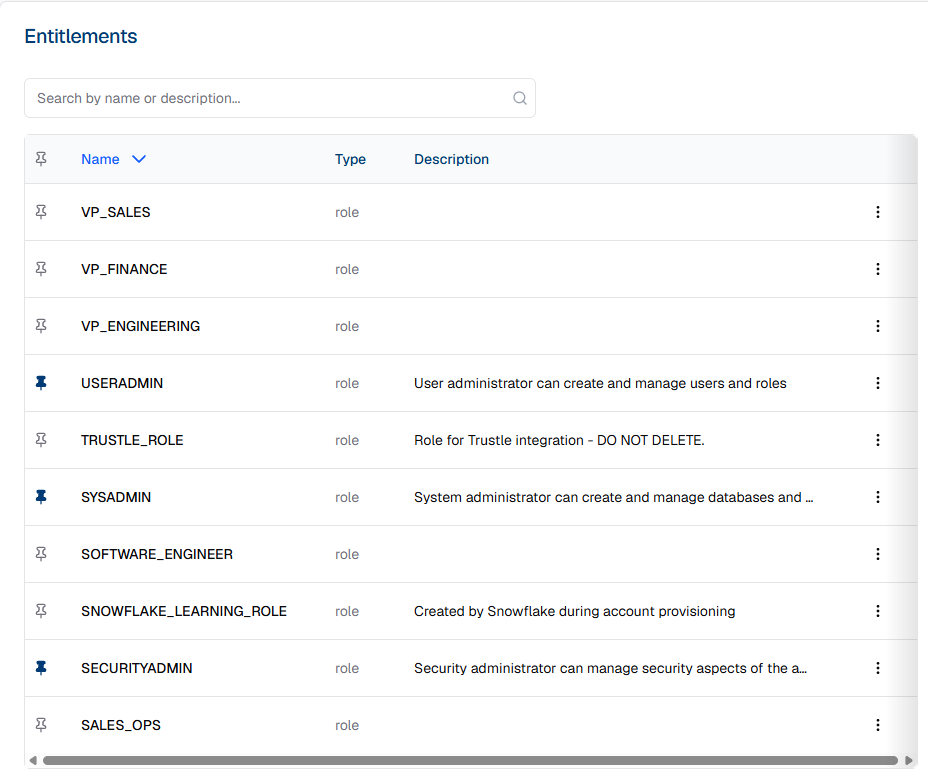
Trustle customers frequently share the challenge of end users not knowing exactly which entitlements are needed. However, administrators often have a relatively short list of privileged roles and groups that need JIT requests. For any platform connected to Trustle, view all of its entitlements from the Connections page. To put any entitlement at the top of the Access Request dropdown list, click the pin icon on its row, just as shown for three Snowflake roles below.
Now, when anyone needs a role in Snowflake, they will see these 3 roles at the top of the list.